
 Get in touch
SAP Business One: On-Premise vs. Cloud vs. Hybrid
overview
- What do on-premise and cloud mean in SAP Business One?
- All three options: On-premise, private cloud, public cloud
- Current license prices and TCO comparison
- Data protection, GDPR and security standards
- Scalability, remote access, and IT effort
- Adaptability and integration with third-party systems
- 7 key questions to help with decision-making
- Adaptability and integration with third-party systems
What is SAP Business One?
SAP Business One (SAP B1) is an integrated ERP solution from SAP for small and medium-sized enterprises (SMEs). It combines key business areas such as finance, purchasing, sales, warehouse management, production, CRM, project management, and human resources in a single platform – fully interconnected and without interface losses between modules.
Worldwide, over 77,000 companies in more than 170 countries use SAP Business One. The solution is particularly relevant for German SMEs because it natively supports DATEV, SEPA, and ELSTER and can be adapted to industries such as retail, manufacturing, food, and services via certified add-ons. Typical users are companies with 5 to 250 users who want to centralize their processes and make decisions based on real-time data.
Technically, SAP Business One runs on Microsoft SQL Server or the more powerful SAP HANA database. The HANA version offers advanced analytics and in-memory capabilities and is the standard in cloud installations. On-premise deployments require at least 64 GB of RAM per HANA database license, which must be considered in hardware and cost planning.
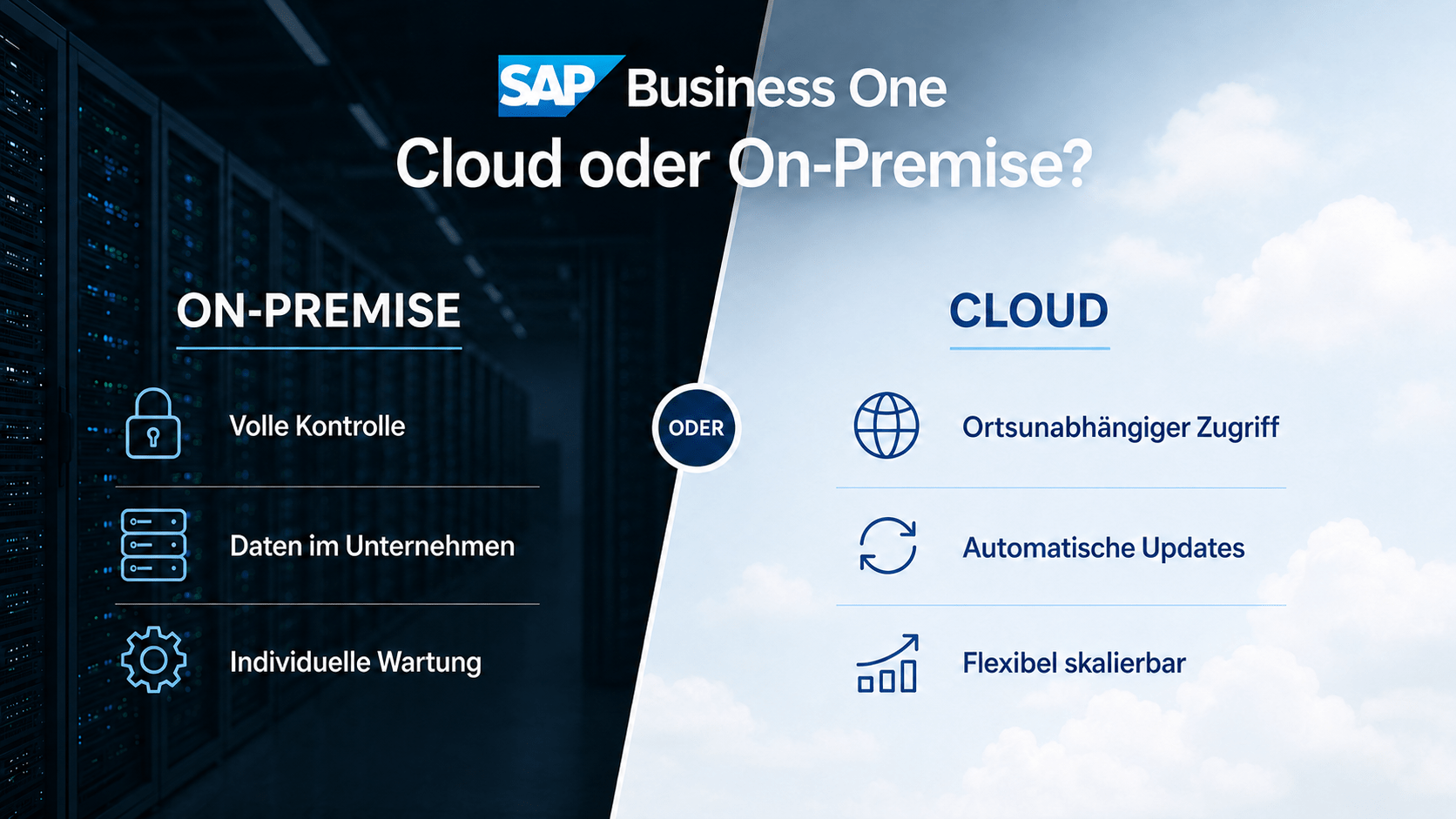
Overview of operating models
SAP Business One can generally be operated in two main models, which differ significantly in architecture, responsibility, and cost structure. Within cloud operations, there is a further important distinction between private cloud and public cloud.
Cloud / SaaS
- Software and data on the provider's external servers
- Access via web browser – from anywhere, from any device
- Monthly rental fee – no large one-time investment
- Maintenance, updates, backups: Provider responsible
- No dedicated server infrastructure required
- Implementation is often completed in a few weeks.
On-Premise
- Software and data on the company's own hardware
- Access within your own network – full control
- One-time investment (Capex) instead of monthly rent
- Maintenance, updates, backups: Company responsible
- Dedicated server infrastructure required
- Maximum adaptability and data sovereignty
Private Cloud vs. Public Cloud: An important difference
On-premise (classic)
The software runs on the company's own hardware. Full control, maximum adaptability, no third parties involved in the data flow. IT costs and investments are entirely within the company.
Private Cloud (Single-Tenant)
SAP Business One runs on dedicated resources, hosted by a certified SAP partner in a German data center. High security, excellent customizability, no resource sharing.
Public Cloud (Multi-Tenant)
Infrastructure is shared with other customers, e.g., on Microsoft Azure or AWS. Lowest entry point, maximum scalability, minimal IT management – less customization.
For most medium-sized companies in Germany, the private cloud with a certified SAP partner is the most popular cloud solution: It offers the advantages of cloud operation while maintaining high data protection standards through data centers in Germany or the EU – and reliably meets GDPR requirements if a complete data processing agreement is concluded.
Costs & Licensing Models Compared
The cost structure is one of the most striking differences between the two operating models. On-premises requires a higher initial investment (Capex) but can be more cost-effective in the long run. Cloud offers low entry costs and predictable monthly expenses (Opex), but generates ongoing costs. Which model is more economical depends largely on the number of users, the time horizon, and the existing IT infrastructure.
All prices are net, excluding VAT. Volume discounts are available through SAP partners. Upgrades from the Starter Package to Professional are possible at any time.
Ongoing costs in on-premise operation
In addition to the one-time purchase price, the following regular costs are incurred with the on-premise model – often underestimated, but crucial for the TCO analysis:
-
•
Annual software maintenance: 21.5 % of the license value – includes the right to new SAP versions and SAP support -
•
Server hardware: Windows Server, with SAP HANA at least 64 GB RAM per database license, plus storage and network infrastructure -
•
Database licenses: Microsoft SQL Server or SAP HANA (the latter requiring higher hardware) -
•
IT personnel or SAP partners: Ongoing costs for operation, security and updates -
•
Power, cooling, backup systems: Ongoing infrastructure operation
TCO comparison: Example calculation over 3 years
Guideline prices based on SAP list prices and partner practice (consultant day: €1,200–1,500, effort: 10–40+ days). Internal IT personnel costs are not included. Actual costs vary depending on the scope of customization and the partner.
Security & Data Protection (GDPR)
Data security is a key decision criterion, especially for German companies. Both operating models can be operated in compliance with the GDPR – with different distribution of responsibilities and different requirements for the company itself.
GDPR features in SAP Business One (software side)
Regardless of the model, the system offers integrated compliance tools:
-
•
Personal Data Management Wizard: Management & deletion of personal data. -
•
Sensitive Personal Data Access Log: Logging of critical data accesses. -
•
Authorization concept: Detailed control of data ownership (from version 9.3 onwards).
Scalability & Mobility
While the cloud is designed for maximum agility, on-premise offers stability for companies with existing infrastructure.
Checklist for the decision
The cloud wins in terms of speed and location independence. On-premises is the economically smart choice if you want to fully exploit your ROI potential with existing hardware.
Unsure which model suits you best?
Cloud, on-premise, or hybrid? conesprit helps you make an informed decision. Benefit from the expertise of a multi-award-winning SAP partner for smooth implementation and ongoing support.
Request a consultation nowAdaptability & Integration
Both models support extensions via add-ons, user-defined objects (UDOs), and the SDK. The crucial difference lies in the depth of the modifications.
On-premise: Maximum freedom
Ideal for companies with highly individualized processes and complex system landscapes.
- Borderless integration: Implementation of proprietary interfaces to POS systems, e-commerce, CRM, production machines or third-party databases.
- Full access: Customizations are possible without restrictions down to the database level.
- No third-party hurdles: There are no technical limitations imposed by external providers or their infrastructure.
Cloud: Standards-based & controlled
Ideal for SMEs that largely use SAP in its standard form or prefer certified solutions.
- Common extensions: Customizations via the SDK and certified add-ons are easily possible.
- Technical guardrails: Operating system-level interventions, direct database access, or extensive in-house developments are often technically impossible or restricted by the provider.
- Dependency: Flexibility is always tied to the chosen provider environment.
Important practical advice
„"Not all cloud environments support all SAP Business One add-ons equally. Anyone needing industry-specific extensions – for example, for food, manufacturing, medicine, or e-commerce – should definitively clarify add-on compatibility before deciding on an operating model."“
Regardless of the operating model, SAP Business One can be supplemented with additional tools: Incoming invoice recognition, e-invoicing, DATEV interface, mobile warehouse apps, web CRM and REST API connections are basically available for both variants – however, in cloud operation, this depends on the chosen provider environment.
IT costs & maintenance
Ongoing IT costs are a crucial factor for many SMEs – especially if they don't have their own IT team. This is where the two models differ fundamentally.
Cloud Comparison: Strengths/Weaknesses
Strengths in IT operations
• Automatic updates – system always up-to-date, no manual patching required
• Backup and disaster recovery organized by the provider
• No internal IT team required for server operation
• SLA-guaranteed availability (usually 99.5 %+)
• Faster implementation – often within a few weeks
• Focus on core business instead of IT operations
IT operational limitations
• Dependence on a stable, high-performance internet connection
• Update schedules are specified by the provider
• Data transfer to third parties requires a data processing agreement and legal review
• Ongoing costs even during temporary non-use
On-Premise Comparison: Strengths/Weaknesses
Strengths in IT operations
• Full control over update schedules and version changes
• No internet dependency for daily operation
• Use and amortization of existing IT infrastructure
• Data sovereignty without an external data processor
• Good performance with resource-intensive applications on dedicated hardware
IT operational limitations
• Internal IT expertise or a permanent external SAP partner is required
• Updates must be manually planned, tested, and deployed.
• Personal responsibility for backup, high availability and disaster recovery
• Longer lead time for hardware upgrades or site expansions
Direct comparison: All criteria at a glance
What suits your company?
The decision between cloud and on-premises is not a question of "better or worse"—it depends on a company's individual requirements, existing infrastructure, budget, and strategic goals. The following guidelines will help you make this decision.
Cloud computing is the better choice if…
- There is no dedicated IT team for server operation
- Low initial investment and predictable monthly costs are important.
- Employees work remotely, from home, or at multiple locations.
- the company is growing rapidly and needs flexible scaling
- No existing server infrastructure should or can be used.
- A rapid implementation within a few weeks is desired
- Standard processes without extensive in-house development are available.
- A stable, high-performance internet connection is available at all workstations.
On-premise is the better choice if…
- a high-performance IT infrastructure is already in place and not yet depreciated
- Complete data sovereignty without external data processors is required.
- Strict regulatory requirements (authorities, pharmaceuticals, finance) exist.
- Highly individualized adaptations and interfaces to third-party systems are required.
- A stable internet connection cannot be guaranteed at all workplaces.
- an internal IT team or a permanent SAP partner is available
- The long-term TCO should be optimized over the hardware's lifespan.
The decision check: Which model suits you?
1. Existing infrastructure
Are there any functioning servers with sufficient remaining runtime?
- YES: On-Premise – Often makes more economic sense in order to fully utilize existing investments.
- NO: Cloud – Saves on high new hardware purchase costs.
2. IT resources
Is qualified IT personnel available internally?
- YES: On-Premise – The capacity for maintenance and safety measures is available.
- NO: Cloud – The operation is outsourced; you benefit from professional support without any effort on your part.
3. Growth rate
How frequently do the number of users and the location structure change?
- STABLE: On-Premise – Long-term capacity planning is quite possible.
- DYNAMIC: Cloud – Frequent changes clearly favor the cloud (scaling in minutes).
4. Process individuality
Are industry-specific in-depth integrations or proprietary developments required?
- INTENSIVE: On-Premise – Offers the necessary freedom for complex interfaces and database interventions.
- STANDARD NEAR: Cloud Certified add-ons are perfectly sufficient for your processes.
5. Internet connection
Is a stable, high-performance connection guaranteed everywhere at all times?
- NO: On-Premise – Secure access within the local network, even with an unstable external connection.
- YES: Cloud – The basis for smooth operation via the browser is in place.
6. Compliance requirements
Do regulations explicitly require local data storage?
- YES: On-Premise – Maximum data control for sensitive industries (government agencies, pharmaceuticals).
- NO: Cloud – GDPR-compliant data centers in the EU meet modern standards.
7. Budget structure
Which cost structure is preferred?
- CAPEX: On-Premise – One-time investment in licenses and hardware as fixed assets.
- OPEX: Cloud – Predictable, ongoing costs (subscription) instead of a high initial investment.
If one or more of these questions cannot be clearly answered, a free consultation with an experienced SAP partner is recommended. The decision has long-term consequences – it should not be based solely on price lists.
Expert review: Cloud or on-premise?
Which model suits you best? As an SAP partner, conesprit supports you in the selection, customization and maintenance of SAP Business One – for a future-proof IT infrastructure.
Request a consultation nowThe hybrid model: Flexible combination
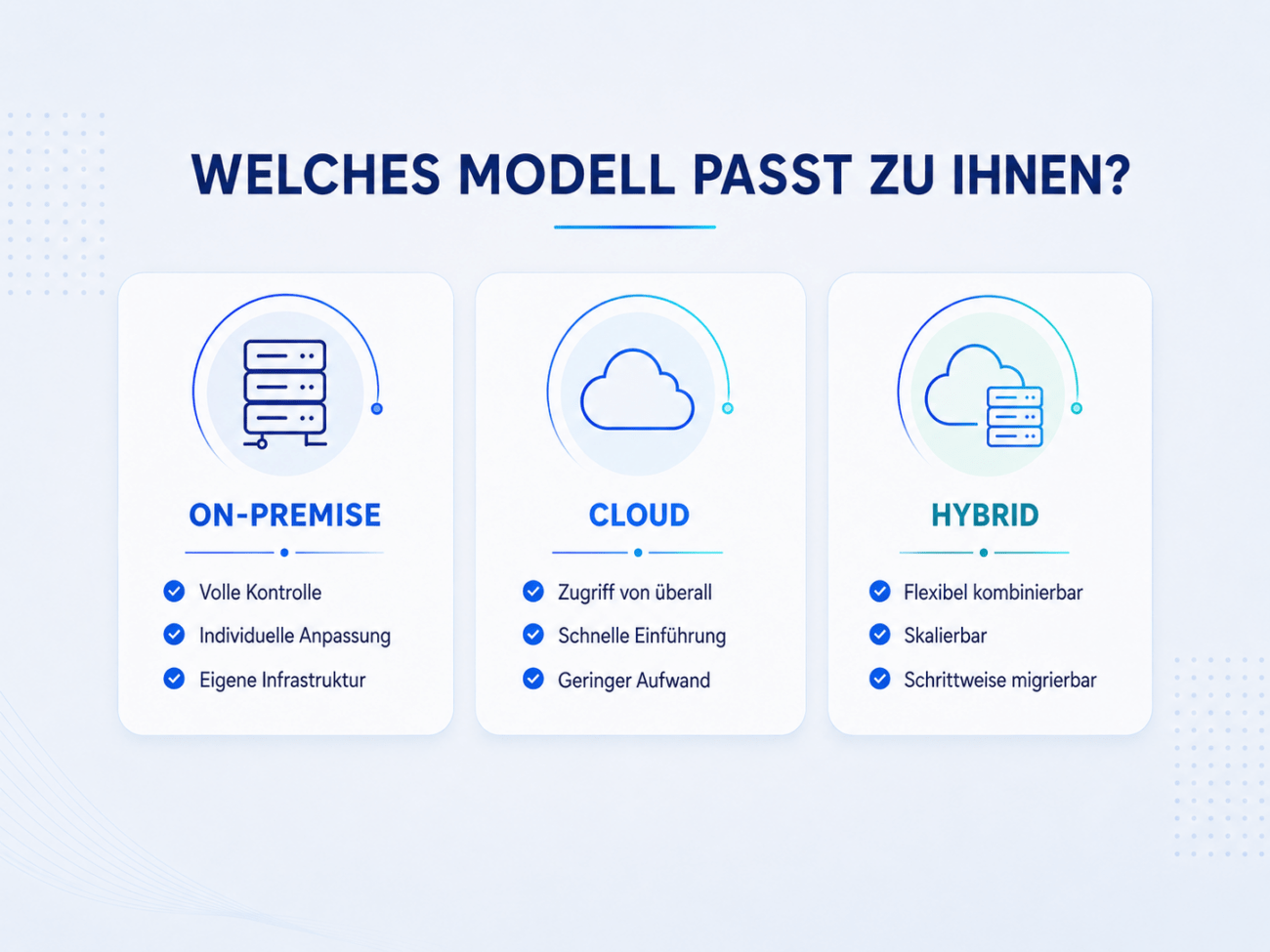
For companies seeking flexibility, SAP Business One offers hybrid solutions. These combine on-premise operation with cloud-based additional services such as backups, analytics, CRM, or e-commerce platforms via APIs.
A cost-effective hybrid option is the use of subscription licenses on your own hardware: This maintains full data sovereignty while reducing the initial investment through monthly payments. Switching between subscription and perpetual licenses later is possible, but mixed operation within a single system is not permitted.
Structurally, hybrid models primarily benefit companies with multiple locations: The headquarters controls the system on-premise, while branches and subsidiaries are seamlessly connected via integrated cloud instances.
Market trend
Private cloud solutions with certified SAP partners and German data centers have established themselves as a particularly sought-after middle ground – offering the advantages of both worlds without their respective disadvantages.