 Get in touch

ZUGFeRD in SAP Business One – Receiving, Sending and Suitable Extensions
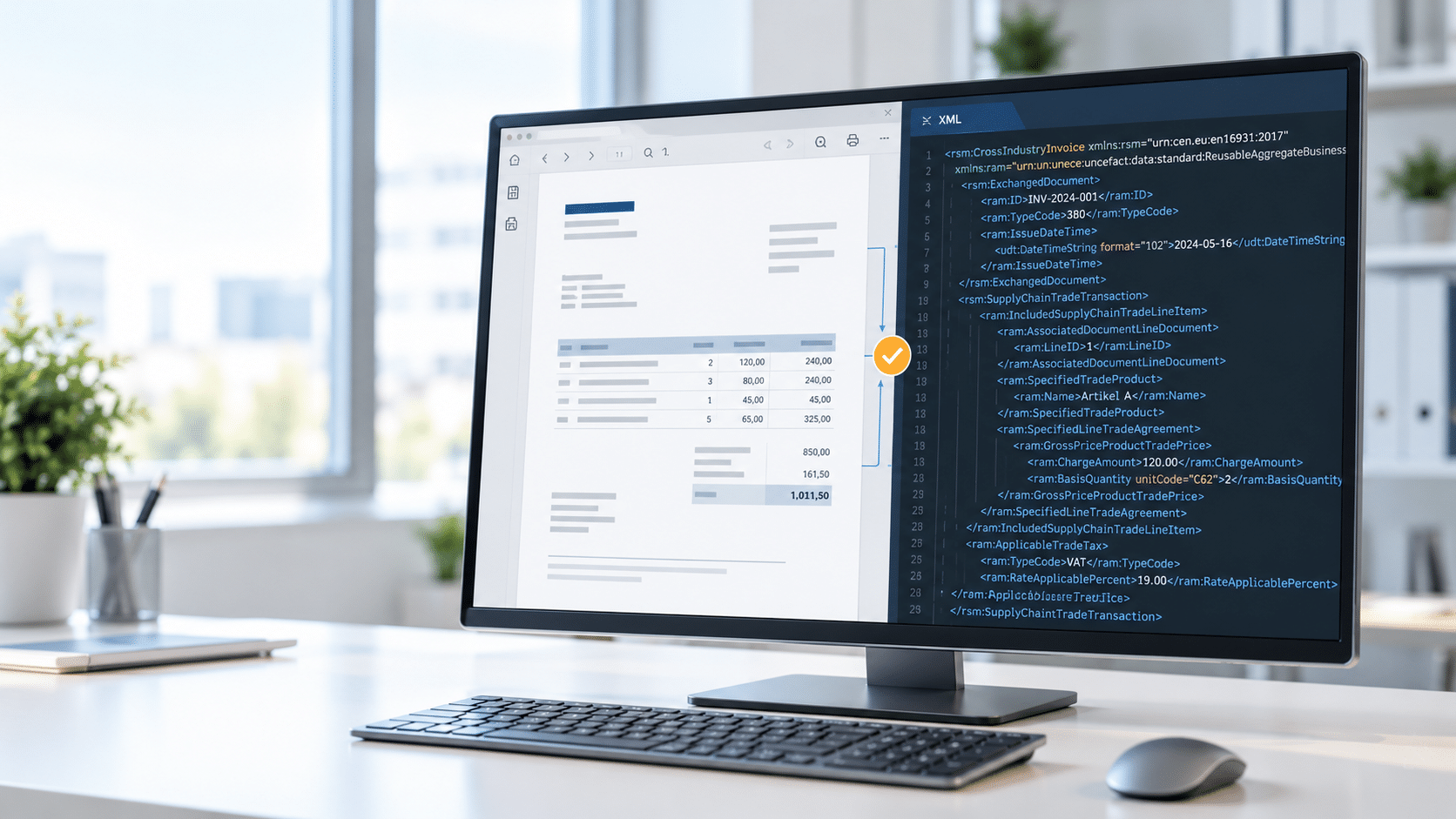
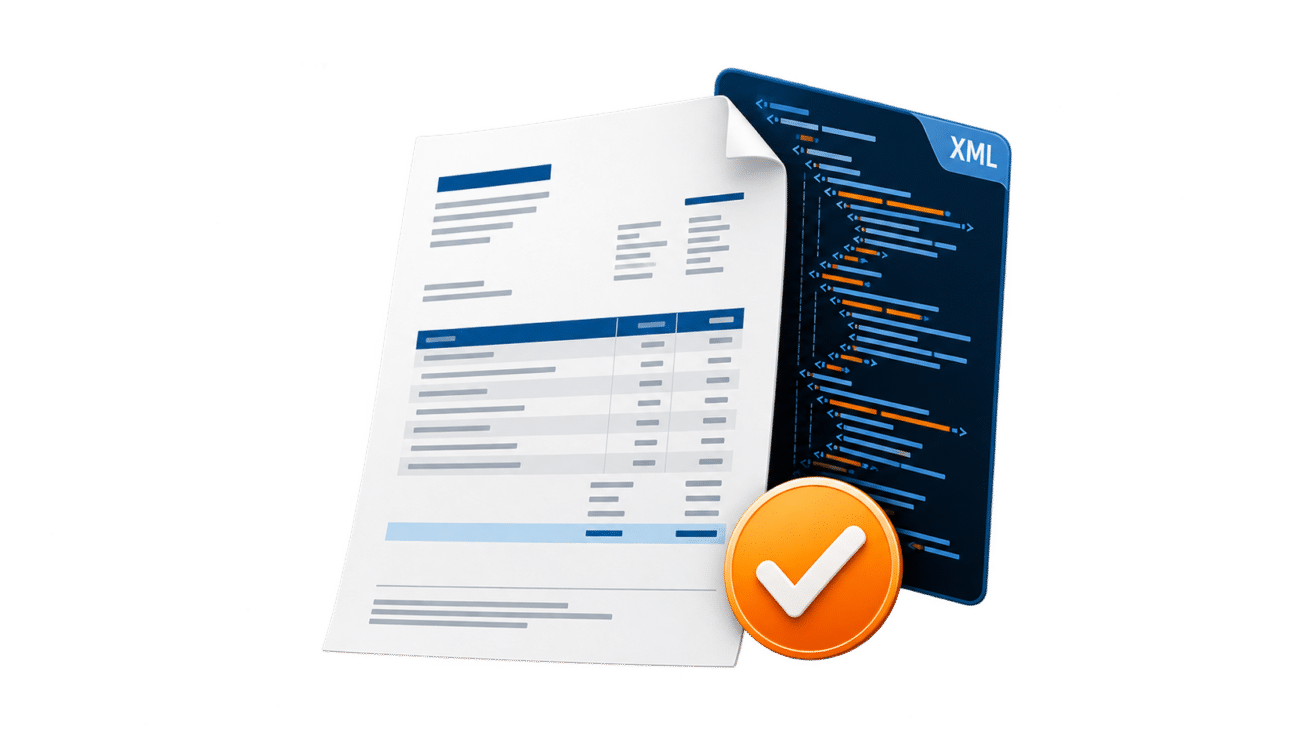
- ZUGFeRD combines a PDF/A-3 file with embedded structured XML invoice data.
- The structured XML part is crucial for tax processing.
- The current version is ZUGFeRD 2.5.2; this version was released in August 2026.
- We offer corresponding extensions for automated shipping, processing, and audit-proof storage.
- Since 2025, domestic companies must be able to receive e-invoices; transitional periods apply for issuing them until the end of 2026 or 2027.
ZUGFeRD in SAP Business One It combines a human-readable invoice with structured data for automated processing. The invoice arrives as a PDF/A-3 file; embedded within it is an XML file containing the actual invoice information.
This makes the format particularly suitable for companies that want to gradually digitize their invoicing process. This guide explains Profiles, versions, receiving and sending and shows when the SAP standard is sufficient and when supplementary solutions make sense.
What is ZUGFeRD?
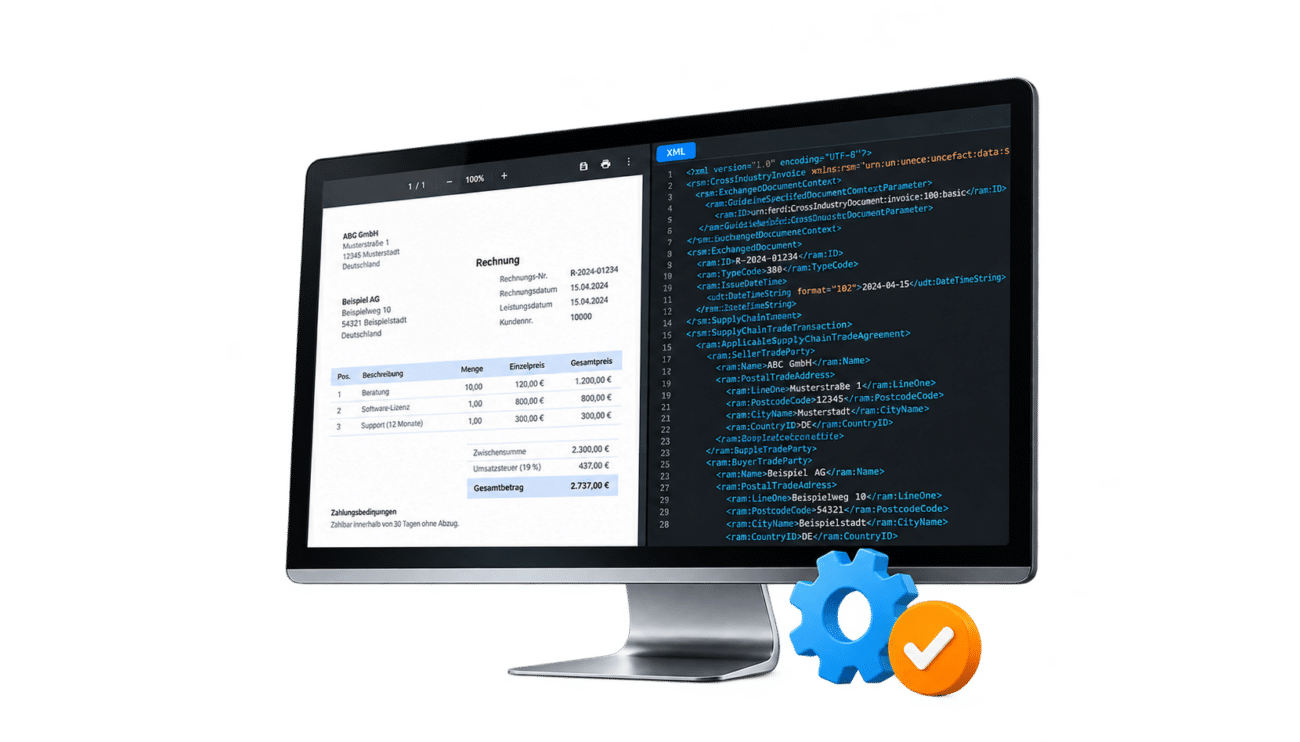
ZUGFeRD stands for Central User Guide of the Forum for Electronic Invoicing Germany. The hybrid invoice format combines a visible PDF/A-3 display with an embedded XML file according to the UN/CEFACT CII syntax.
The recipient can open the document like a normal PDF. At the same time, ERP and accounting systems can extract and process the structured data. The technically compatible French equivalent is called... Factur-X.
The XML data is crucial.
If the visible PDF display and the embedded structured part differ from each other, this is generally the case with a hybrid e-invoice. the XML data leading. Therefore, the embedded structured XML data must be validated.
ZUGFeRD and XRechnung compared
Both formats can meet the requirements for an e-invoice. The most important difference lies in the presentation: ZUGFeRD combines PDF and XML, while the XRechnung is transmitted as a pure XML file.
Invoices to public sector clients
For invoices to the federal administration, the XRechnung format is the standard. Other formats may be permissible if they EN 16931, ERechV and the specifications of the respective platform To comply, the routing ID and transmission method should therefore be coordinated with the public contracting authority.
How to set up ZUGFeRD in SAP Business One?
We will set up ZUGFeRD reception and the appropriate sending method together with you.
Request a free consultationZUGFeRD profiles and current version
Since August 2026 ZUGFeRD 2.5.2 The currently published version is valid since September 1, 2026. The profile used depends on the required data volume and the business transaction.
For typical B2B invoices, the profile EN 16931 A reliable choice. MINIMUM and BASIC WL, on the other hand, do not meet the VAT requirements for an e-invoice.
ZUGFeRD and XRechnung in SAP Business One
For the creation, sending, visualization, and processing of ZUGFeRD and XRechnung documents, conesprit offers its own extensions for SAP Business One. These enable a seamless process for ZUGFeRD and XRechnung as well as classic PDF invoices, if no electronic invoice is required – from the creation and sending to the processing and booking of incoming invoices and credit notes.

Sending and receiving ZUGFeRD and XRechnung in practice
Store original and structured data
With ZUGFeRD, the embedded XML is the structured and tax-relevant part of the invoice. The file must unchanged and verifiable must be kept safe. A printout or screenshot does not replace the original electronic file.
For the audit-proof archiving of ZUGFeRD and XRechnungen, conesprit offers its own solution. DMS app for SAP Business One, which allows the original files to be directly assigned to the corresponding documents and archived.
Implementing mandatory e-invoicing with SAP Business One?
Whether it's feature pack checking, profile selection, import, shipping or archiving: We support you in a seamless ZUGFeRD process in SAP Business One.
Request a free initial consultationExtensions for a seamless ZUGFeRD process
Conesprit can extend the SAP standard in a modular way. Which modules are needed depends on..., how many invoices are processed and to what extent shipping, checking and archiving should be automated.
Legal deadlines for e-invoices
- Since January 1, 2025: Domestic companies must be able to receive e-invoices. An email inbox may suffice for the technical purpose of receiving them.
- Until December 31, 2026: Invoice issuers may use the statutory transitional provisions for other invoices.
- In the year 2027: For exhibitors with a turnover of no more than 800,000 euros in the previous year, the transitional arrangement will apply for another year.
- From January 1, 2028: The general obligation to exhibit applies regardless of this sales threshold; statutory exceptions must still be observed.
ZUGFeRD version 2.0.1 and later generally meets the VAT format requirements, with the exception of MINIMUM and BASIC WL. However, companies should still... Validate profile, required fields and business rules, before invoices are sent.
Frequently Asked Questions
Which ZUGFeRD profile should be used in SAP Business One?
For typical B2B invoices, the following profile is recommended: EN 16931. BASIC may be sufficient for simpler business transactions, while EXTENDED is suitable for more complex requirements. MINIMUM and BASIC WL are not legally compliant e-invoicing profiles.
Can SAP Business One receive ZUGFeRD without an extension?
Yes. Starting with SAP Business One 10.0 FP 2502, the import assistant can extract embedded XML data from ZUGFeRD PDFs and process it as a document draft. The necessary services, formats, and mappings must be configured beforehand.
Is ZUGFeRD permissible for invoices to public authorities?
The XRechnung format is the standard for the German federal administration. Other formats may be accepted if they comply with EN 16931, the ERechV (German Electronic Invoicing Ordinance), and the platform specifications. These requirements should be reviewed with the respective client before sending the invoice.
Does a ZUGFeRD file need to be archived electronically?
Yes. The structured part of the invoice must remain unchanged. The original electronic file should be saved in such a way that... Integrity, readability and traceability the retention period is ensured.
ZUGFeRD is available, but not yet configured?
We review the Feature Pack, Electronic Document Service, mapping and profiles, and set up the process to fit your system landscape.
Request a free initial consultation